
To organize a conference or summit in 2027, settle the promise to delegates first, then build the programme, ticket types, company booking process, badges, sponsor deliverables and registration desk around it. What sets a conference apart from other events is the number of people with a stake in the details: speakers, sponsors, and finance teams paying for staff. This guide works through those, and is clear about what Laces does and leaves to you.
Write the promise on one line
Finish this sentence: “After two days here, a [role] will [be able to do what], because they met [whom] and heard [what].”
If you cannot finish it, the programme is not ready. A clear line also makes speaker selection easier, because each invitation either serves it or does not. Our general planning guide covers the budget, approvals and date, along with your country’s rules.
Only announce a speaker after they confirm in writing. A name you later withdraw costs you more than a name you add late.
Publish the programme as an agenda
You can publish an agenda from the Laces app, and it appears in two places: a preview on your event page, and a full page of its own at your event’s short link followed by /agenda.
What it handles:
- Sessions and breaks. Each has a date and title, with optional start and end times. Breaks show as a quieter line.
- Speakers. Each has a name, with optional role, organization and photo. One speaker can appear in several sessions.
- Several days. Days are worked out from the dates you enter, and each day is grouped.
- Parallel sessions. Two sessions can share a time slot.
- Pasting. Paste a schedule you already have, and the app suggests sessions for you to check and edit.
- During the event. The current session is highlighted, and “Jump to today” goes straight to the right day.
Times are shown in the event’s timezone, which helps a delegate flying in from another country.
What it does not do: delegates cannot sign up for individual sessions, and there are no session reminders. A session also cannot run past midnight, so split a late one into two rows.
If a breakout has limited seats, you can sell it as its own ticket type with a capped number of places, and put the time in the ticket name. Only do this for the few sessions where seats truly run out. Anything more becomes hard for delegates to read.
Build ticket types delegates can tell apart
Each ticket type on Laces has a name, a description, a price and its own number of places. A delegate should be able to tell from the name and description what they get. So state whether lunch, the dinner or the workshop are included.
| Ticket | Worth stating | Practical point |
|---|---|---|
| Early delegate | Same access as standard | A separate ticket with limited places, since prices do not rise automatically |
| Standard delegate | Sessions, meals, materials | Your main ticket |
| Student | Who qualifies, and what to bring as proof | Check proof at the desk. The scan shows the ticket type |
| Exhibitor or dinner add-on | Exactly what extra it covers | Only if the capacity is real |
| Speakers and guests | Free entry | See the warning below |
A free ticket is visible to everyone with the link. Anyone can choose it, so cap it at the number you invited and check names at the desk. Alternatively, keep speakers on your own list at the help desk, and leave them off the ticket page.
On questions, name, phone and email are always asked. Add only what you will act on, such as organization, job title, dietary needs or access needs.
Plan for a company paying for several delegates
This is where conferences differ most from public events, and it causes more trouble than any other part of checkout.
How a booking works. One person chooses several tickets in one order, fills a card for each attendee, and pays once. Each attendee gets a ticket, but all the tickets on an order lead to the same QR code, so a scan lists the names and staff tap the right delegate.
Tell bookers to collect names first. Name, phone and email on each attendee card are optional. A blank name puts that ticket in the buyer’s name, so an assistant booking ten colleagues can end up with ten tickets in their own name. Your desk then sees the wrong name on every scan. Say so in your event description, and in any email to corporate contacts.
Enter an email for each delegate, where possible. An email entered on the card is where that delegate’s ticket goes. With a blank field, the buyer has to pass the tickets on.
Check the payment method. It depends on where the payer is:
- Uganda: MTN MoMo, Airtel Money or card
- Kenya: M-Pesa or Airtel Money
- Ghana: MTN MoMo, Telecel Cash or AT Money
- Rwanda: MTN MoMo or Airtel Money
- Zambia: MTN MoMo, Airtel Money or Zamtel Kwacha
Outside Uganda, a large group order has to fit on one mobile wallet, so ask big buyers early whether their limit allows it. They could also split it into smaller orders. Current fees are on the pricing pages, one per country.
Regional delegates. Someone with a wallet from another country Laces works in can choose that country under Paying from. For anyone from further away, see the page for buyers abroad, and test it on your own event before you promise it.
Receipts are not tax invoices. Every order gets a receipt, by email and on the ticket page. Many finance departments want a tax invoice or a purchase order first. That sits outside Laces checkout, so decide before you open sales how you will issue one and how you will record those delegates. Ask us if you are unsure.
Decide what happens with badges
Laces does not design or print badges, so plan this as a separate job. Three things to know:
- The export screen has two kinds of file, and neither has everything. As of November 2026, the orders file (CSV, Excel or PDF) has one row per order, with the buyer’s name, email and phone, the amount, status and date, so a company booking of ten delegates is one row. A separate participant CSV has one row per paid delegate, with name, phone, ticket type, order code and your question answers, but no email. Neither has check-in data.
- Allow time to build the print list. Start from the participant CSV. Answers belong to the order, not the person, so ten colleagues on one company booking all carry the same answer. If you need each delegate’s own badge wording, ask the booker for a separate list, and allow time to merge it before you promise pre-printed badges.
- Keep a badge separate from entry. A photo of a QR code can scan, so printing the code on a badge adds no security. Scan the ticket, then hand over the badge.
Ask delegates how they want their name and organization to appear, as one of your registration questions. Keep blank badges and a good marker at the help desk. Some names will be wrong.
Sell sponsors what you can deliver
Laces has no sponsor packages or logo walls for you to sell. Credit sponsors in your event description and in session titles on the agenda, then deliver the rest at the venue: stage time, a stand, a mention, printed material.
Put each deliverable in writing, with a date and an owner. A sponsor’s most common request is the delegate list. Under the Laces organizer terms, you may not pass participant data to a sponsor without consent. If a sponsor wants contact with delegates, ask delegates for their consent openly, or let them opt in at the stand.
You can always share totals. The download’s summary block gives paid orders, participants and money collected for your own records. Report registered and attended as separate figures. If a sponsor’s contract depends on attendance, agree how you will measure it, and check with us how to get the figure from your check-ins.
Manage delegate check-in
Most delegates arrive in the same half hour, and the first queue sets the mood. A summit with more than one entrance also needs every door working from the same record, rather than from separate printed lists. Every scan looks the ticket up online, so a delegate who came in through the east door shows as checked in at the west door too.
Separate your groups by ticket type before the day. The scan shows the delegate’s name and ticket type, so a staff member can see “Speaker” or “Exhibitor” and send them the right way. If you keep speakers or sponsors’ guests off the ticket page, give the desk that list, because the scanner won’t know them.
Show staff only what they need. Name and ticket type are enough at a door, and that is what the scan is there to show. Limit volunteers to this one event, so they see no revenue and don’t browse a wider list. Don’t turn a printed delegate list face up on the desk, where the next person can read phone numbers from it.
Agree the answer to each awkward case in advance:
| At the door | What staff do |
|---|---|
| Lost the email or the ticket | Search by name or phone, or type the order code. A delegate can also find their ticket at Find your ticket |
| Name is wrong | Admit them if the rest checks out, then correct the badge at the help desk |
| Ticket in the booker’s name | Check against the company’s list at the help desk. This is the blank-name problem above |
| “Payment not complete” | Send them to the help desk, and check whether the payment went through before anyone pays again |
| “Could not check that ticket” | Try again. It means the lookup failed, and it isn’t a refusal |
Rehearse the peak. Give each scanner a real ticket to scan on their own phone, in the actual hall, before doors open. Time 20 scans, then work out how many scanners your busiest half hour needs. That gives you a real figure, unlike a guess at queue length.
Keep your own arrival count if it matters. The exports don’t include check-in data, so if a sponsor or an accrediting body needs attendance figures, agree in advance how you will produce them.
Run the desk for a multi-day crowd
- Use a separate help desk for wrong names, late company payments and missing emails. It should not sit in the scanning line.
- Test mobile data with the hall full. Each scan needs a connection, and a venue’s shared wifi often struggles once delegates arrive. Keep a separate hotspot.
- Brief staff on day two. A ticket can only record its first arrival. On the second day it still reads as verified, with a label such as “Checked in 10:42” showing the first time. That is normal at a multi-day event.
- Do not plan on scanning at each room. Check-in records arrival once, so count session attendance by hand if you need it.
Our QR check-in guide covers each result staff can see. Your team can be limited too: a volunteer sees one event and no revenue.
Frequently asked questions
Can delegates choose which sessions to attend on Laces?
Not per session. The agenda shows the programme, but sign-up is per ticket. For limited-seat breakouts, sell a capped ticket type for that session.
What should conference check-in staff see?
A delegate’s name and ticket type, which is what the scan shows. They don’t need phone numbers, payment details or a wider list. Keep those away from the door.
Can Laces print conference badges?
No. Laces gives you the people list and scanning. Design and printing stay with you or a supplier.
Can a company pay for all its delegates at once?
Yes, in one order, with one QR code per delegate. Ask the booker to enter each delegate’s name, because a blank one goes in the buyer’s name.
Do we get an invoice for a company’s finance team?
Each order gets a receipt, not a tax invoice. If a company needs an invoice, arrange that directly with them.
Do delegates need an account or an app?
No. They register and pay from a link and get their ticket by email. For how this fits a corporate programme, see our guide to corporate event planning in Uganda.
Run your conference from one delegate list
Publish your agenda, sell ticket types with their own places, and scan delegates in at the desk.
Read next
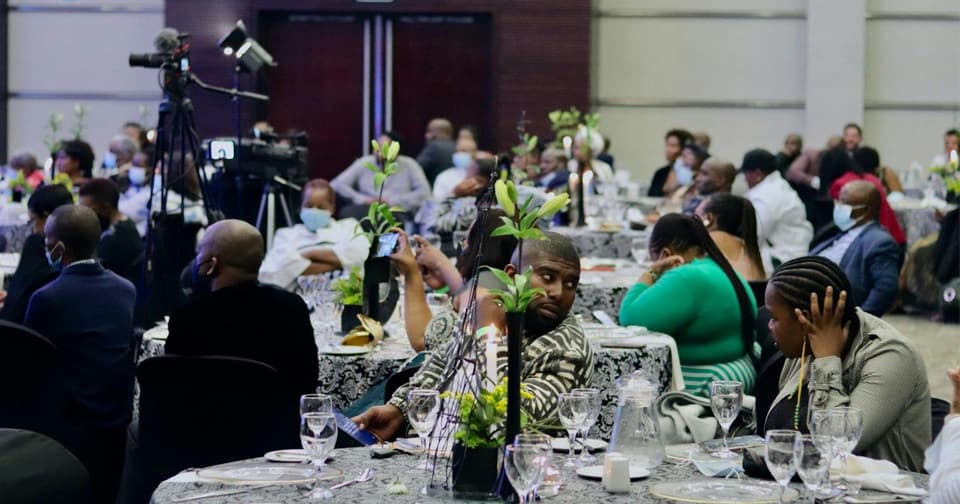 For organizersCorporate Event Planning in Uganda: Registration, Payments and ReportingA practical guide to corporate event planning in Uganda: objectives, ticket types, delegate data, team access, gate operations and reports for management.4 Nov 2026 · 6 min read
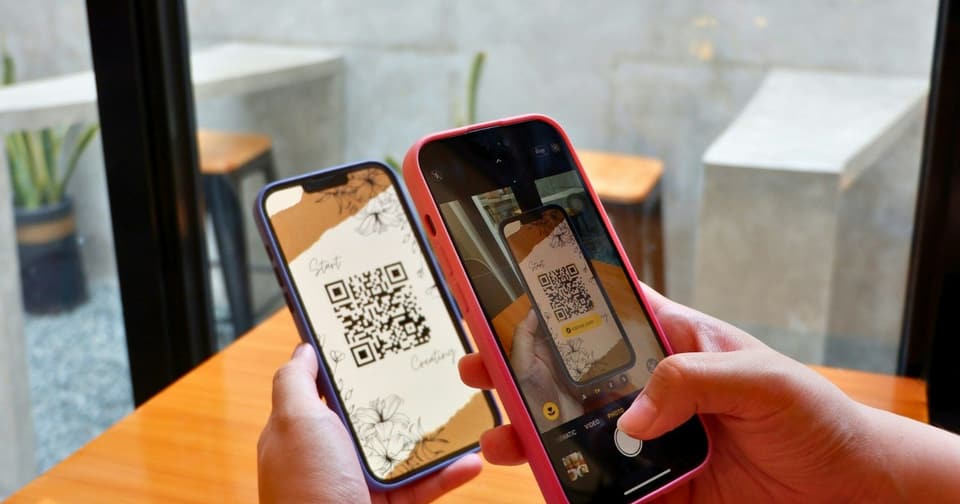 For organizersHow QR Code Event Tickets Work: Creation, Scanning and Check-InHow QR code event tickets are issued and scanned, what each result at the gate means, how repeat scans show up, and how to prepare your check-in team.5 Nov 2026 · 8 min read
 For organizersEvent Registration Database: What Organizers Need to TrackThere is no public Laces database. See what an event registration database should track, what organizers get in the app, and how attendee data stays private.5 Nov 2026 · 8 min read


