Skip to contentLet's set up your event for free — send us a DM on WhatsApp (opens WhatsApp)

For developers

Everything you need to sell your Laces events from your own site, take payments, and know when each order is paid.

Create your event in the Laces app, then read your events and take registrations on your own site. Use a hosted page, an embedded modal, or your own UI.

  • Free for organizers
  • Mobile money & cards
  • Set up in minutes

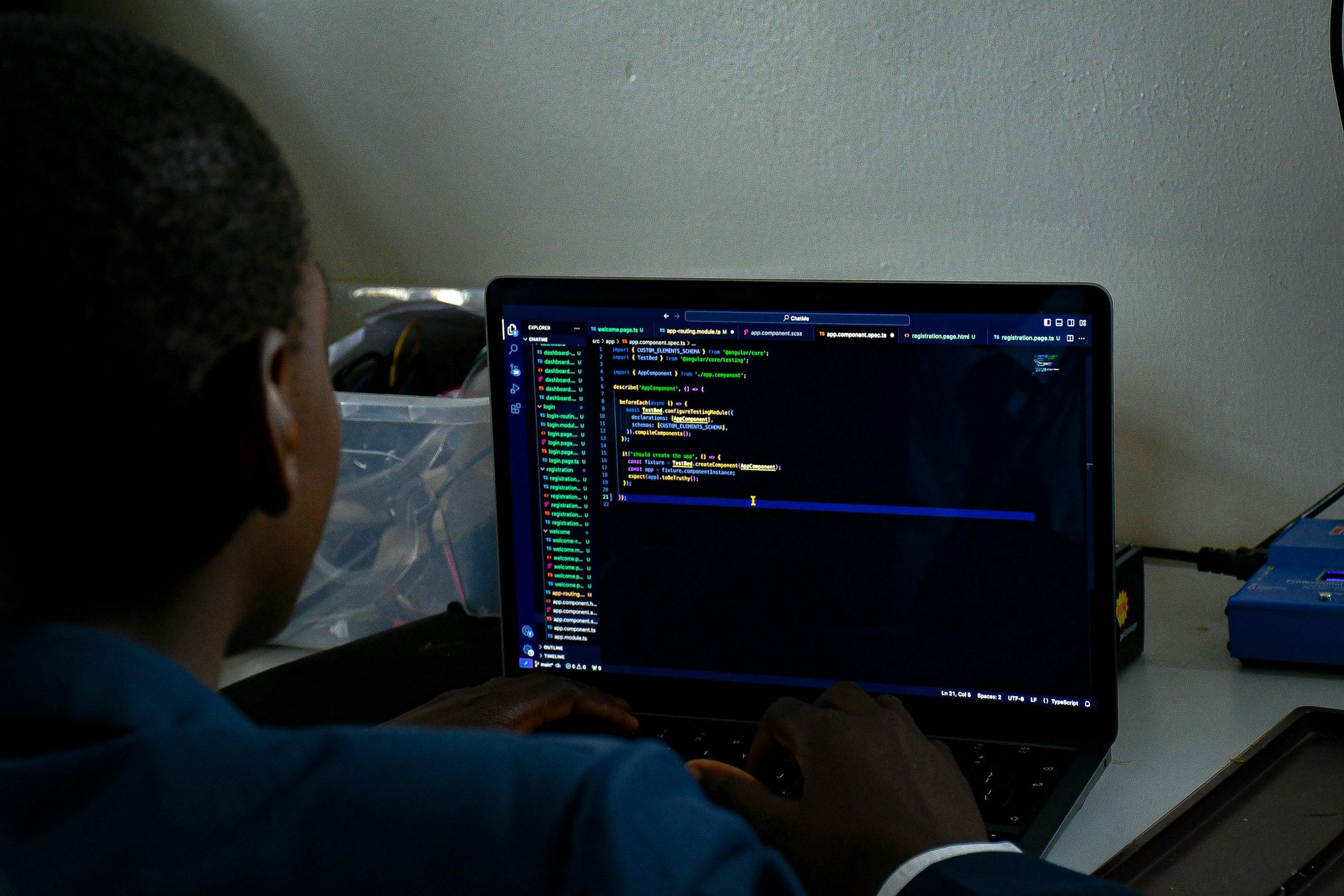
Photo: Ibrahim Yusuf / Unsplash

Still doing it like this?

  • Sending buyers off your site to a separate form and a payment number.
  • Matching mobile money messages to orders by hand.
  • Refreshing a dashboard to find out whether an order was paid.
  • Copying registrations from one system into another.

Create. Sell. Run. Get paid.

Step 1: Set up your event in the app

Create your event and its ticket types in the Laces app. Then create keys yourself in the Laces app (owners and admins).

  • Offer as many ticket types as you need, each with its own price and number of places.
  • Choose what each key can do.

Young man in a plain grey t-shirt working on a laptop at a table

Photo: Kojo Kwarteng / Unsplash

Step 2: Take registrations on your site

Read your events and take registrations on your own site.

  • List your organization's events that are on sale.
  • Read your event's ticket types and the fees a participant pays.
  • Use a hosted page, an embedded modal, or your own UI. Laces processes the payment.
  • Create an order and send a mobile money prompt from your server.

Step 3: Know when each order is paid

Check an order's status, or get told by webhook.

  • Webhooks when an order is paid, fails or is refunded, signed so you can verify them.
  • Read orders and their registrations (an extra permission you switch on).
  • Participants get their ticket and receipt by email, with a QR code.
  • Every ticket has a QR code. Scan it with the Laces app to confirm it's paid and check people in.
Overhead view of a person working on two laptops and a phone on a blue couch

Photo: Dwayne joe / Unsplash

Step 4: Get paid

See who has paid and who hasn't, then withdraw to mobile money or a bank account. Your first withdrawal is free.

  • No extra charge for the API. The per-entry fee is paid by the participant.
  • Watch registrations and sales come in live from the Laces app.
  • No waiting for your event to finish to withdraw what's cleared.

Free for organizers.

Participants pay a small per-entry fee at checkout, on top of your ticket price.

Local · Mobile money

MTN Mobile Money

UGX900

+ 5%

Instant Wallet · withdraw any time

Cards

Visa, Mastercard, American Express, Verve and AfriGO

UGX1,500

+ 5.8%

Standard Wallet · ready the next day

Per ticket sold, paid by the participant, not you.See full pricing

Ways participants pay

Participants pay with the method they already use. MTN MoMo lands in your Instant Wallet and Airtel Money and card land in your Standard Wallet, and you withdraw from either.

  • afriGO

Trusted by event organizers

Questions, answered

In the Laces app. Create your event and its ticket types there, then read them from the API: list your organization's events that are on sale, and read your event's ticket types and the fees a participant pays.

Create it. Sell it. Run it. All for free.

No setup fee. No subscription. Participants pay the small per-entry fee at checkout.