Skip to contentLet's set up your event for free — send us a DM on WhatsApp (opens WhatsApp)

For cycling & bike rides

Everything you need to open entries, sort riders by category, and roll out on time.

Entries by category, sorted from the start. Set up a ticket type for each category, collect the rider details you need, and check riders in with a scan before the roll-out.

  • Free for organizers
  • Mobile money & cards
  • Set up in minutes

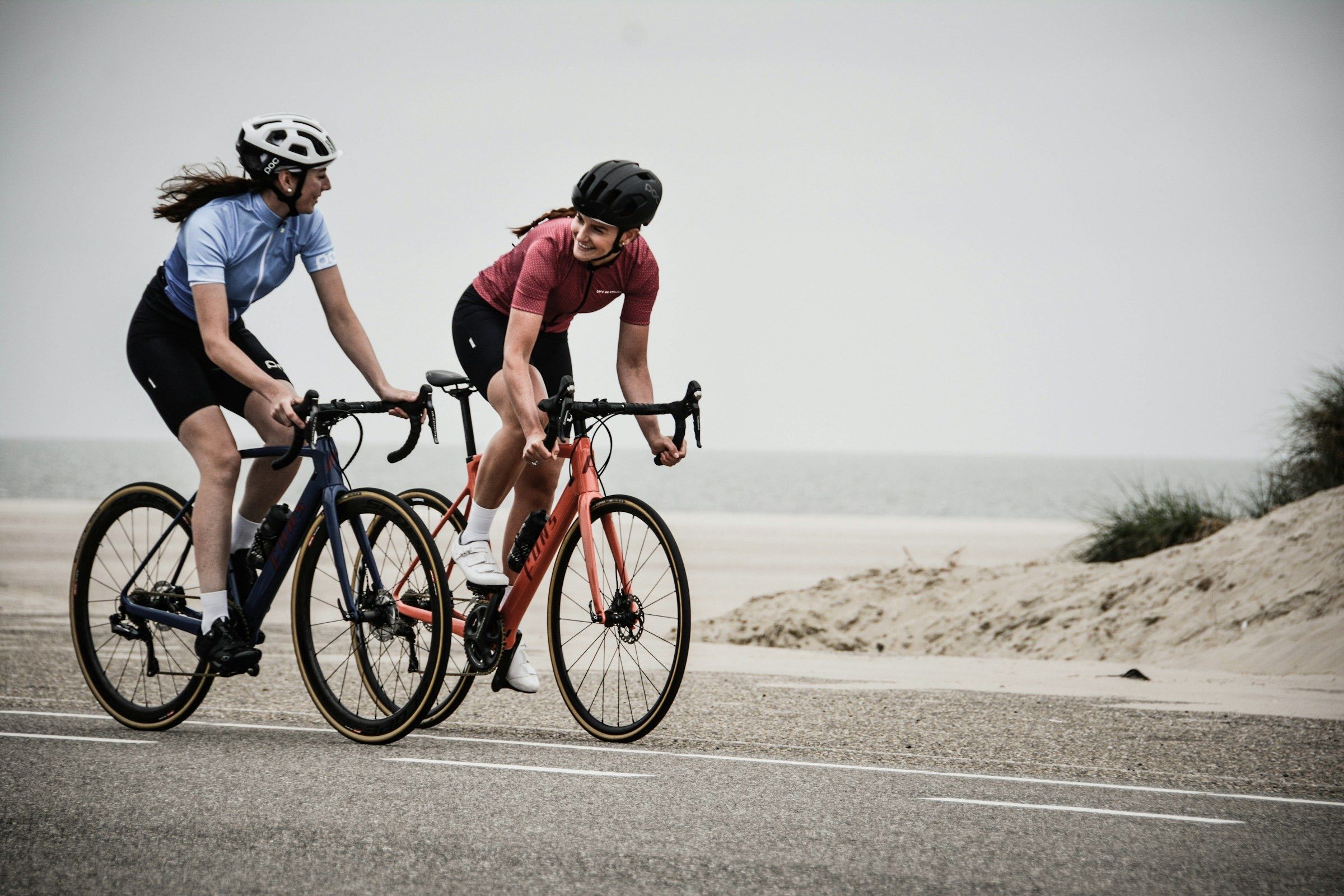
Photo: Coen van de Broek / Unsplash

Still doing it like this?

  • Working out which riders are in which category from a pile of messages.
  • Riders turning up without having paid, or without the details you asked for.
  • Counting shirt sizes by hand the week before the ride.
  • Sign-on taking so long that the roll-out starts late.

Create. Sell. Run. Get paid.

Step 1: Create your ride

Set up your event in minutes. Add your categories, the start location and a cover photo, then share one link.

  • Set up a ticket type for each category (a distance, class or age band) and ask for age group at registration.
  • Collect shirt sizes and colours at registration if your ride has a kit.
  • Ask your own questions, such as an emergency contact or the club a rider rides for.
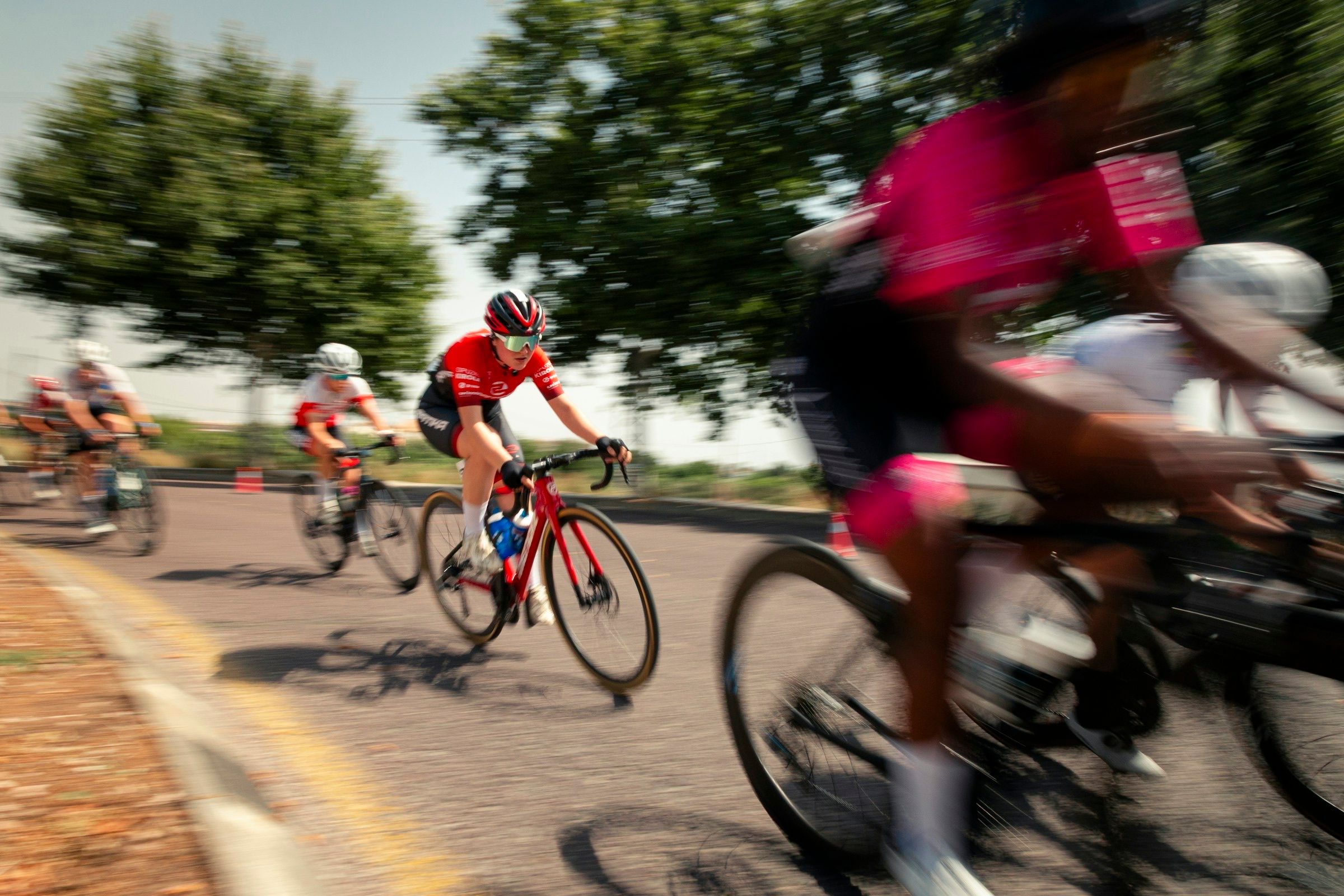
Cyclists racing round a bend with motion blur

Photo: charlie dt / Unsplash

Step 2: Open entries

Riders register and pay from a link: no app to install, no account to create.

  • Riders pay by MTN MoMo, Airtel Money or card.
  • Riders get their ticket and receipt by email, with a QR code.
  • Cap each category so it fills when you want it to.

Step 3: Ride day

Sign riders on with a scan instead of a clipboard.

  • Every ticket has a QR code. Scan it with the Laces app to confirm it's paid and check people in.
  • Invite your team to scan at sign-on.
  • See everyone who's registered, with the details and answers they gave.
Black and white motion shot of three road cyclists racing

Photo: paolo candelo / Unsplash

Step 4: Get paid

See who has paid and who hasn't, then withdraw to mobile money or a bank account. Your first withdrawal is free.

  • In Uganda, MTN mobile money entries are available to withdraw as soon as the payment is confirmed, any day of the week.
  • No waiting for your event to finish to withdraw what's cleared.
  • Export your registrations to CSV or Excel.

Free for organizers.

Participants pay a small per-entry fee at checkout, on top of your ticket price.

Local · Mobile money

MTN Mobile Money

UGX900

+ 5%

Instant Wallet · withdraw any time

Cards

Visa, Mastercard, American Express, Verve and AfriGO

UGX1,500

+ 5.8%

Standard Wallet · ready the next day

Per ticket sold, paid by the participant, not you.See full pricing

Ways participants pay

Participants pay with the method they already use. MTN MoMo lands in your Instant Wallet and Airtel Money and card land in your Standard Wallet, and you withdraw from either.

  • afriGO

Trusted by event organizers

Questions, answered

Yes. Set up a ticket type for each category (a distance, class or age band), each with its own price and number of places, and ask for age group at registration.

Create it. Sell it. Run it. All for free.

No setup fee. No subscription. Participants pay the small per-entry fee at checkout.