
Corporate event planning in Uganda starts with a clear business goal, a named budget owner and a decision about who may attend. Once those are agreed, registration, payments, the gate and the final report become much easier, because each one has a target to meet.
This guide covers conferences, product launches, professional workshops and staff gatherings.
Agree the outcome before you book anything
“Hold our annual conference” is an activity. A useful goal says what should change: partners who understand a new product, staff trained on a new process, or qualified leads for the sales team.
Write these down on one page and get them signed off:
- The purpose: one sentence on what success looks like.
- The audience: who must be there, and roughly how many.
- The budget owner: one person who approves spending.
- The numbers management will ask for afterwards: decide this now, because you cannot collect some data after the day.
- The approval path: who signs off the speakers, the branding and the supplier contracts.
For the money side, use our method for building an event budget. It works without guessing at market prices.
Design ticket types around access, not labels
Each ticket type should answer one practical question: what does this person get? On Laces, standard, student and VIP can each be a ticket type, with a price and a number of places of its own.
Free and paid guests can sit on the same event. Create a free ticket for invited guests and a paid one for everyone else. Free tickets carry no fee.
Watch this failure mode. Anyone with your event link can register. A free ticket on a public link is open to whoever finds it, and a forwarded link travels fast. Three things reduce the risk:
- Share the link only with the people you intend to invite.
- Cap the free ticket at the number of guests you actually invited.
- Agree what staff do when an unexpected name appears at the door.
If attendance truly must be approved person by person, keep that approval as your own process before you send the link. Laces does not add an approval step for you.
Ask for less delegate data
Every extra question slows registration and gives you more personal data to protect. You can ask your own questions at registration, such as organization, job title or dietary needs, and you read the answers on each order in the app.
If nobody can say who will use an answer, remove the question.
Tell delegates who will see their information, and treat the export as carefully as the original. Your compliance lead, if you have one, should check your plan against Uganda’s Data Protection and Privacy Act.
Decide how companies will pay
Delegates pay by MTN MoMo, Airtel Money or card, and they see the full total before they confirm. A delegate needs no account and no app. One person can register several colleagues in one order and pay once, and each colleague gets their own ticket.
Three things catch corporate teams out:
- Payment approval comes first. Your organization needs approval before it can accept any registrations, including free ones. An owner or admin applies from the Earnings tab of the app. Do it early, because a person makes the decision and it can hold up your launch.
- Receipts are not tax invoices. Every participant gets a receipt, by email and on their ticket page. If a delegate’s finance team needs a tax invoice, plan to deal with that yourself.
- Some firms only pay against an invoice. That payment would sit outside the Laces checkout. Agree how you will handle it before you publish, and ask our team if you are unsure how to record those delegates.
The Uganda pricing page shows the service fee and has a calculator for your ticket price.
Give each person only the access they need
A corporate team is usually mixed: a project lead, finance, marketing, and temporary staff on the door. Invite them by email from the app, with a role suited to what each person does.
Three controls are worth knowing:
- Volunteers and event managers do not see your revenue. Only finance, admin and owner do.
- You can limit a volunteer or station lead to a single event, so they only ever see that event.
- Registration answers are visible only to the people you trust with them.
Do this in the week before the event, and remove temporary staff afterwards.
Build a gate that protects your first impression
Delegates judge the event by the first five minutes, and the registration desk is often the bottleneck of the day.
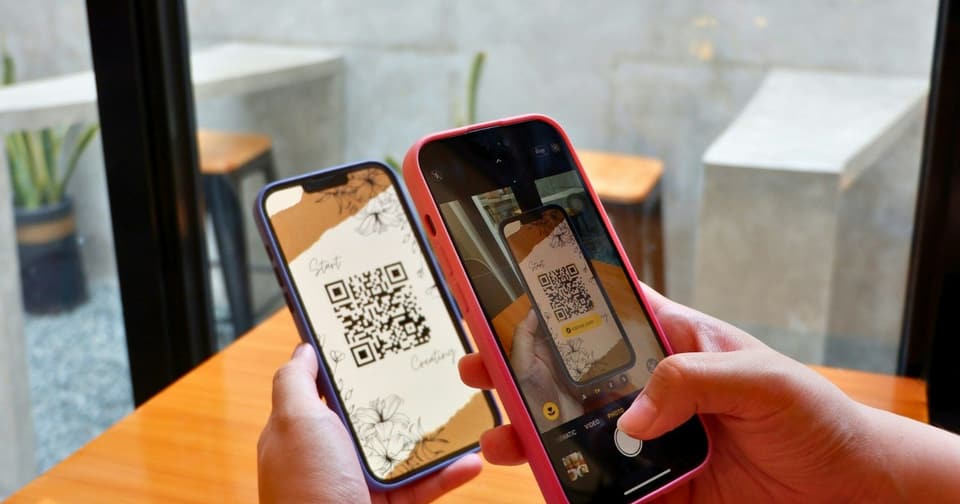
- Each delegate’s ticket carries a QR code. A scan in the Laces app confirms payment and checks them in.
- The result screen shows the delegate’s name and ticket type, so staff can direct a VIP or a speaker without opening another list.
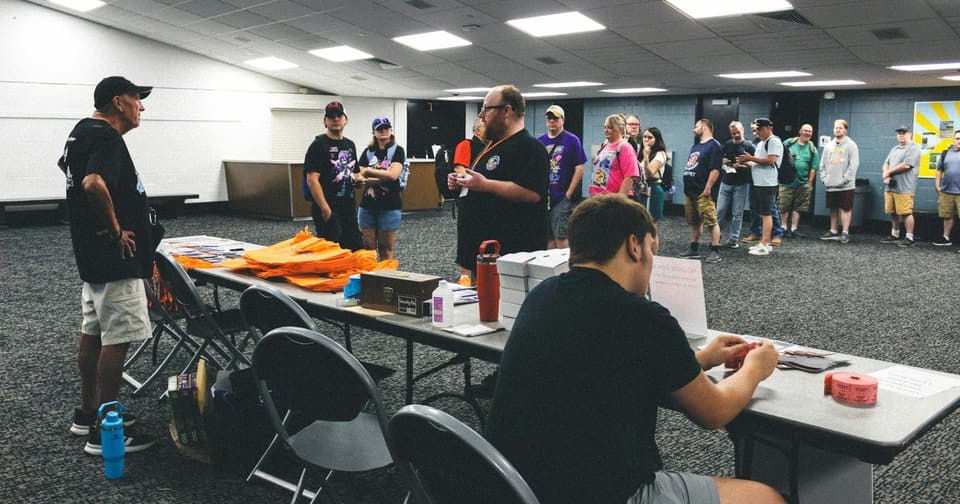
- Keep one desk apart from the scanning line for problems: wrong names, lost emails and late company payments.
- Brief security on your ticket types, and on what a valid scan looks like.
Scanning needs a data connection, so test the venue network first. What each scan result means is worth reading with your door team, and it ends with a preparation checklist.
For a conference, the conferences and summits page shows the whole flow, from registration to the door.
Give stakeholders a report they can use
Before the event, draft the report with blank figures. That shows you straight away what you still need to capture.
Here is what Laces gives you:
| Management asks | Where to find it |
|---|---|
| How many have registered? | The event’s list of participants, live in the app |
| Who has paid and who has not? | The Orders view, with each order’s status |
| What did we earn? | The event’s Earnings view |
| Can I have the data in a spreadsheet? | Download an event’s orders as CSV, Excel or PDF, and its paid participant list as CSV |
Exports are per event, and only finance, admin and owner can run them. If your organization runs several events, expect one export for each.
If management wants a final attendance figure, plan for it before you promise it. Each scan records that person’s arrival against their ticket, but the app gives no attendance list or count, and the exports leave check-ins out. So keep your own tally at the door.
Add what the platform cannot tell you: whether the goal was met, what speakers and partners said, and what you would change for the next edition.
Frequently asked questions
Can we mix free and paid attendees?
Yes. Create a free ticket type alongside your paid ones, each with its own number of places. Remember that anyone with the link can see and choose a free ticket.
What should management see after the event?
Registrations, sales by ticket type, money received and attendance, measured against the goal you agreed at the start.
Is an event platform the same as a CRM?
No. Laces runs registration, payment and check-in. To move delegate data into another system, download the paid participant list as CSV, and follow your company’s data rules.
Do delegates need to install anything?
No. Delegates register and pay from a link: no app to install, no account to create. Only your team uses the app.
Can we start selling as soon as the event is created?
Not until your organization has payment approval. Create your event and get approved to collect payments, and do it well before you announce.
Keep your next company event in one place
Creating an event is free for organizers. Delegates pay the service fee at checkout, and your organization receives the full ticket price.
Read next
 For organizersHow QR Code Event Tickets Work: Creation, Scanning and Check-InHow QR code event tickets are issued and scanned, what each result at the gate means, how repeat scans show up, and how to prepare your check-in team.5 Nov 2026 · 8 min read
 For organizersHow to Manage Event Registrations, Payments and Attendance in One PlaceHow to run event registrations, payments and attendance from one record: the workflow, team access, numbers to track, exports and handling exceptions.4 Nov 2026 · 6 min read
 For organizersHow Much Does It Cost to Organize an Event in Uganda?How much an event costs in Uganda depends on your own quotes. Use this method to budget fixed and per-person costs, find break-even and plan your cash flow.4 Nov 2026 · 6 min read


