Skip to contentSet up your event for free. WhatsApp us. (opens WhatsApp)

For festivals

Every pass sold online. Every guest scanned in.

Sell every pass from one link. Guests get a QR ticket by email, and your team scans them in at the gate, however big the crowd.

  • Free for organizers
  • Mobile money & cards
  • Set up in minutes
See Laces in action

Participants pay the service fee. Payment approval is required before collecting paid entries.

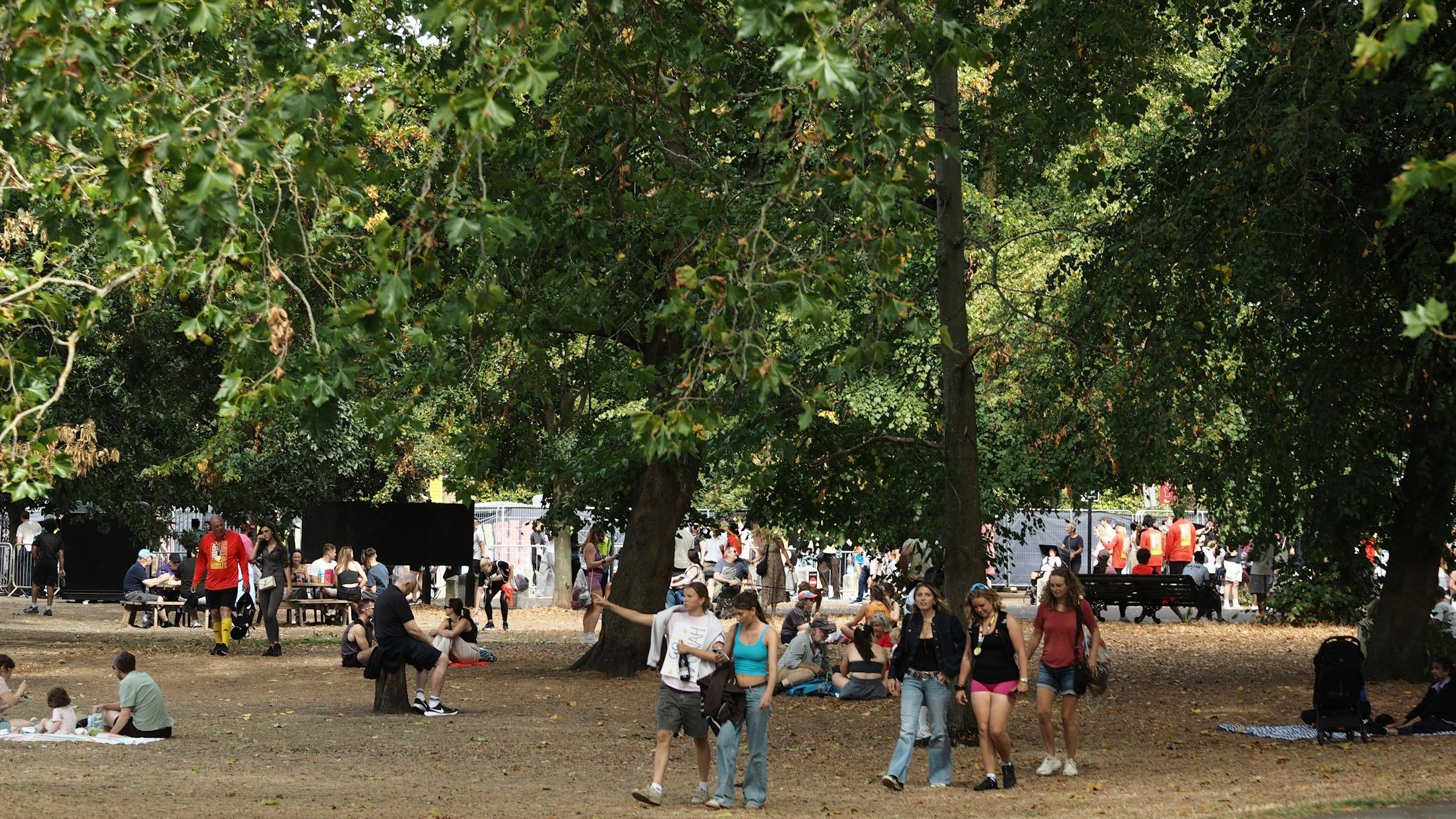
Photo: Yvette de Wit / Unsplash

Laces has everything you need to sell every pass, scan every guest in, and keep the gates moving for your festival.

Laces for Festivals

Still doing it like this?

Festival ticketing often runs on paper wristbands, sales agents and mobile money messages. You don't know how many passes have sold until the gates open, and the queue outside gets longer by the hour.

  • Today: Printed tickets sold by agents in different towns, with no single count.

    With Laces: Every pass is sold from one link, and you watch sales come in live from the Laces app.

  • Today: Confirming mobile money payments one message at a time.

    With Laces: Guests pay as they buy, so every ticket sold is a ticket paid for.

  • Today: Fake or copied tickets turning up at the gate.

    With Laces: Every ticket has a QR code. Scan it with the Laces app to confirm it's paid.

  • Today: One person at the gate checking names against a long list.

    With Laces: Invite your team to scan at the gate, so the queue keeps moving.

Laces sells the passes, takes the payments and runs the gate, so you can run the festival.

Create. Sell. Run. Withdraw your earnings.

Step 1: Set up your festival

Set up your event in minutes. Add your line-up, venue and cover photo, then share one link.

  • Offer as many ticket types as you need, such as day passes, full-festival passes and VIP, each with its own price and number of places.
  • Cap each ticket type so it sells out when you want it to.
  • Ask your own questions at registration if you need to know more about your guests.

Step 2: Sell passes

Guests register and pay from a link: no app to install, no account to create.

  • Guests pay by MTN MoMo, Airtel Money or card.
  • Guests get their ticket and receipt by email, with a QR code.
  • Watch sales come in live from the Laces app.

Step 3: Festival day

Scan guests in at the gate with the Laces app.

  • Every ticket has a QR code. Scan it to confirm it's paid and check the guest in.
  • Invite your team to scan at the gate.
  • See everyone who's bought a ticket, with the details they gave.

Step 4: Withdraw your earnings

See who has paid and who hasn't, then withdraw to mobile money or a bank account. Your first withdrawal is free.

  • In Uganda, Instant Wallet money (MTN mobile money) is available to withdraw immediately, any day of the week, and Standard Wallet money the next day.
  • No waiting for your event to finish to withdraw what's cleared.
  • Export your registrations to CSV or Excel.

Trusted by event organizers

Free for organizers.

Participants pay a small per-entry fee at checkout, on top of your ticket price.

Published Uganda rates · Per paid ticket

Local · Mobile money

MTN Mobile Money

UGX500

+ 4%

Instant Wallet · withdraw immediately

Cards

Visa, Mastercard, American Express, Verve and AfriGO

UGX1,500

+ 5.8%

Standard Wallet · ready the next day

Per ticket sold, paid by the participant, not you.See full pricing

Plan it with your ticket price.

See what each participant pays and what your event receives. Change the country for its published rates.

Estimate for

MTN MoMo

Participant pays per ticket

UGX 52,500

Includes UGX 2,500 service fee

Instant Wallet · withdraw immediately

Card

Participant pays per ticket

UGX 54,400

Includes UGX 4,400 service fee

Standard Wallet · ready the next day

Airtel Money

Participant pays per ticket

UGX 53,100

Includes UGX 3,100 service fee

Standard Wallet · ready the next day

Organizer receives per ticket

UGX 50,000

Projected ticket revenue

UGX 10,000,000

An estimate using the published Uganda rates. Assumes the selected number of registrations is paid. Revenue is before withdrawal fees, refunds and adjustments. Exact fees appear at checkout. See pricing and withdrawal terms.

Ways participants pay

Participants pay with the method they already use. MTN MoMo lands in your Instant Wallet and Airtel Money and card land in your Standard Wallet, and you withdraw from either.

  • afriGO

A little help getting started

Let’s talk about your festival.

Have a date in mind, a team to bring on board, or questions before you commit? Answer a few quick questions and we write the message for you. Send it on WhatsApp or by email.

Just want to say hi? Send it without answering anything. Nothing is sent until you press send in WhatsApp or your email app.

Laces teamQuestions about your festival, answered on WhatsApp or email

Hi there 👋 Tell us a little about your festival and we’ll reply on WhatsApp or by email. Every question is optional.

Roughly how many people are you expecting?

Expected attendance

Do you have a date yet?

What would you like help with?

What would you like help with?

Your message, written as you answer

Hello Laces! I'd like to talk to your team about Festivals. What would be the best next step?

Opens WhatsApp or your email app with this message. Nothing is sent until you press send there.

Questions, answered

Yes. Offer as many ticket types as you need, each with its own price and number of places.

Create it. Sell it. Run it. All for free.

No setup fee. No subscription. Participants pay the small per-entry fee at checkout.

See Laces in action

Picture your festival on Laces.

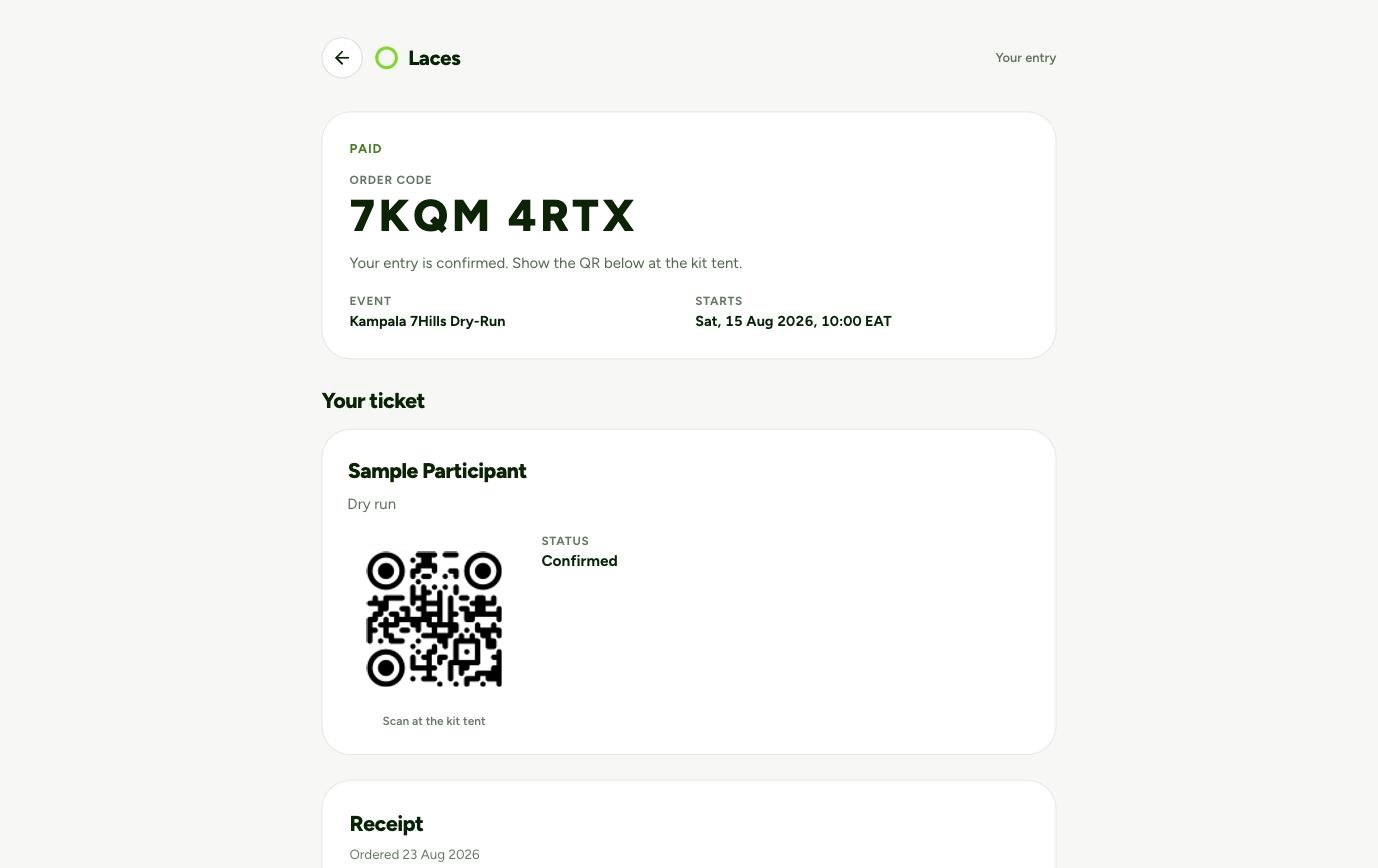
Three screens from a real event: what participants see, what you see, and the ticket at the door.

Choose a screen to preview
Laces participant registration with ticket choices and a registration subtotalThe real Laces organizer app showing registrations, orders and earnings for Kampala 7Hills Dry-RunA sample Laces ticket page showing its QR code

Real product screens from Kampala 7Hills Dry-Run. The example is a race; the registration and payment workflow is shared across event types.