Skip to contentLet's set up your event for free — send us a DM on WhatsApp (opens WhatsApp)

For book clubs & book launches

Everything you need to gather readers, fill the room, and launch your next book.

From a monthly book club to a launch night. Create free tickets for RSVPs or paid ones if you charge, share one link, and welcome everyone at the door with a scan.

  • Free for organizers
  • Mobile money & cards
  • Set up in minutes

Photo: Natalie Sierra / Unsplash

Still doing it like this?

  • RSVPs scattered across WhatsApp replies, comments and direct messages.
  • No idea how many readers are really coming, so you guess at chairs, copies and snacks.
  • A launch-night guest list on paper that nobody can read afterwards.
  • Sending the venue, time and this month's book to each person, one message at a time.

Create. Sell. Run. Get paid.

Step 1: Create your club meeting or launch

Set up your meeting or launch in minutes. Add the book, the venue and a cover photo, create your tickets, then share one link.

  • Create free tickets for RSVPs and registrations.
  • Charging for entry? Offer as many ticket types as you need, such as a standard seat and a seat with a signed copy, each with its own price and number of places.
  • Ask your own questions at registration, such as whether they've read the book or how they heard about you.

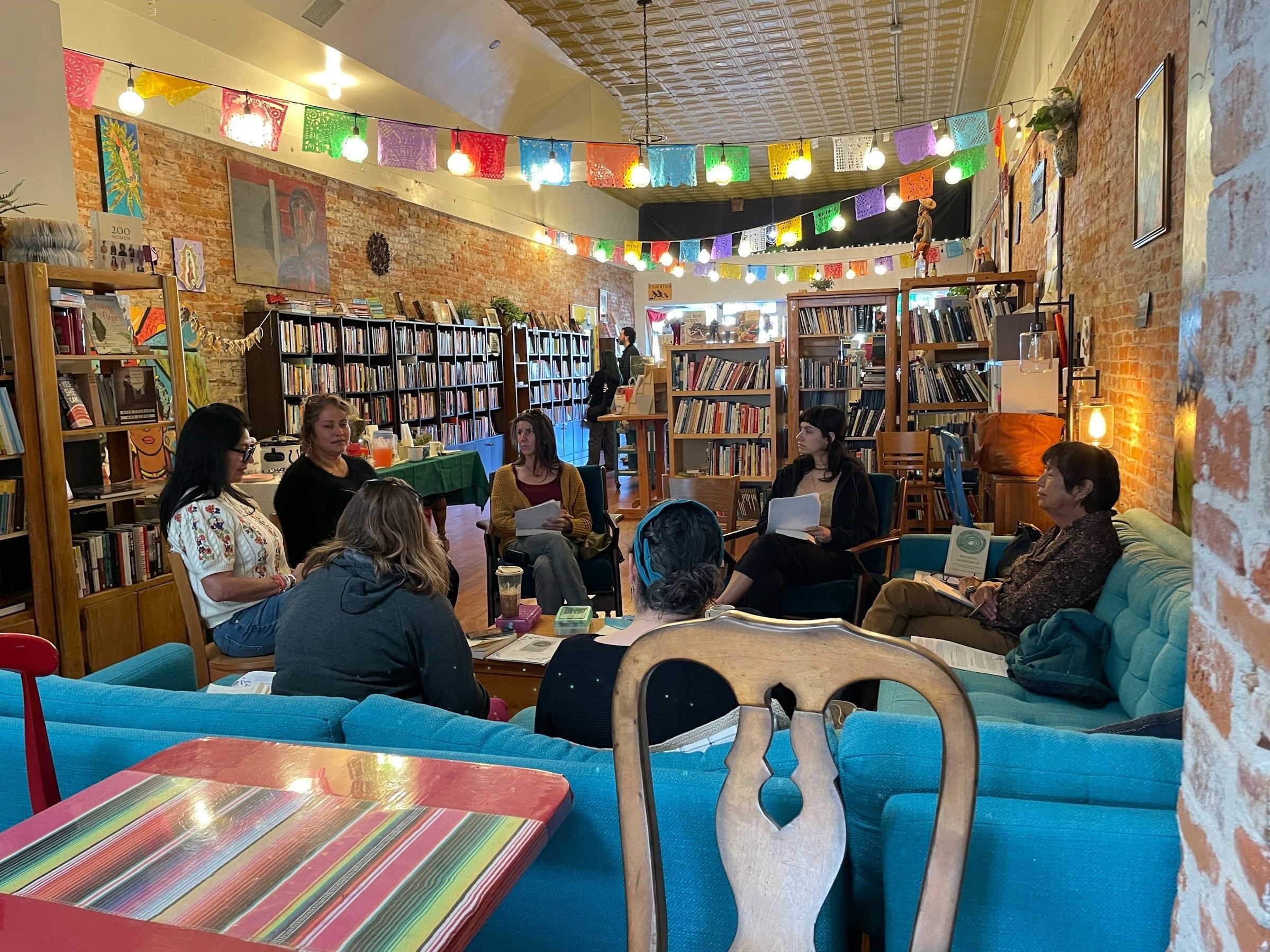
Readers on sofas and wooden chairs discussing a book beneath paper bunting in a lending library

Photo: Natalie Sierra / Unsplash

Step 2: Register every reader

Readers register from a link: no app to install, no account to create.

  • Free events cost nothing, to you or to your guests.
  • Readers get their ticket and receipt by email, with a QR code.
  • For paid tickets, readers pay by MTN MoMo, Airtel Money or card.

Step 3: Welcome everyone

Know who's coming, and check them in as they arrive.

  • See everyone who's registered, with the details and answers they gave.
  • Every ticket has a QR code. Scan it with the Laces app to check people in.
  • Invite your team to scan at the door.
Two older readers looking through a book together in a wood-panelled library

Photo: Centre for Ageing Better / Unsplash

Step 4: Get paid

Charging for entry? See who has paid and who hasn't, then withdraw to mobile money or a bank account. Your first withdrawal is free.

  • No waiting for your event to finish to withdraw what's cleared.
  • Export your registration list to CSV or Excel.
  • Watch registrations and sales come in live from the Laces app.

Free for organizers.

Participants pay a small per-entry fee at checkout, on top of your ticket price.

Local · Mobile money

MTN Mobile Money

UGX900

+ 5%

Instant Wallet · withdraw any time

Cards

Visa, Mastercard, American Express, Verve and AfriGO

UGX1,500

+ 5.8%

Standard Wallet · ready the next day

Per ticket sold, paid by the participant, not you.See full pricing

Ways participants pay

Participants pay with the method they already use. MTN MoMo lands in your Instant Wallet and Airtel Money and card land in your Standard Wallet, and you withdraw from either.

  • afriGO

Trusted by event organizers

Questions, answered

Yes. Create free tickets for RSVPs and registrations. Free events cost nothing, to you or to your guests.

Create it. Sell it. Run it. All for free.

No setup fee. No subscription. Participants pay the small per-entry fee at checkout.