
To sell event tickets online in Uganda, create a hosted event page with your ticket types, get cleared to collect payments, and share one link that takes MTN MoMo and Airtel Money. Participants pay from their phones and receive a QR ticket by email. Here is how to set it up, in the order that avoids last-minute problems.
Step 1: Decide what you are selling
Do this on paper before you open any app. For each ticket, write down:
- A clear name. “Regular” and “VIP” work. “Tier 2 Plus” needs explaining.
- What it includes. Entry only? A meal? A shirt? Access to a VIP area? People will ask, so say it on the page.
- The price you want to receive. The service fee is added on top at checkout, so you get this amount in full.
- How many places you have. Base this on what the venue holds and what you have budgeted for, such as meals.
Keep the list short. Two or three clear tickets are easier to choose from than six. To limit a cheaper ticket, cap the number of places, so it sells out when you want it to.
Also write your refund policy now. “Non-refundable, but you can pass your place to someone else up to 48 hours before” is a complete policy if it is one you will honour. State it in your event description, so it is settled before anyone pays. That is far easier than arguing it out in a WhatsApp group the week of the event.
Step 2: Create the event in the app
Get the Laces app and create your account and organization. Choose your organization’s name and address with care, because it may go on printed material.
Then tap Create event. You will need a name, the place and dates, your phone number and at least one ticket. Everything else can follow, and the illustrated guide to creating an event covers each screen.
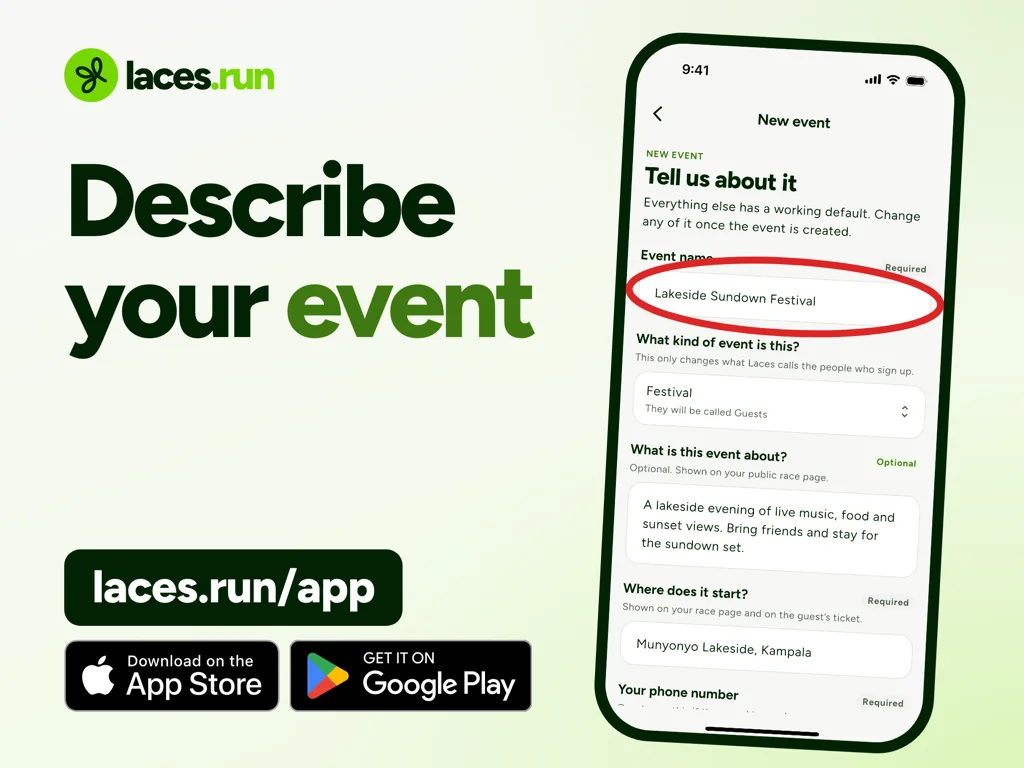
Choose the questions you really need. Laces always asks for a name, phone and email. Each extra question is another chance for someone on a slow connection to give up. If you can’t say what you would do with an answer, leave the question out.
Step 3: Get cleared to collect payments
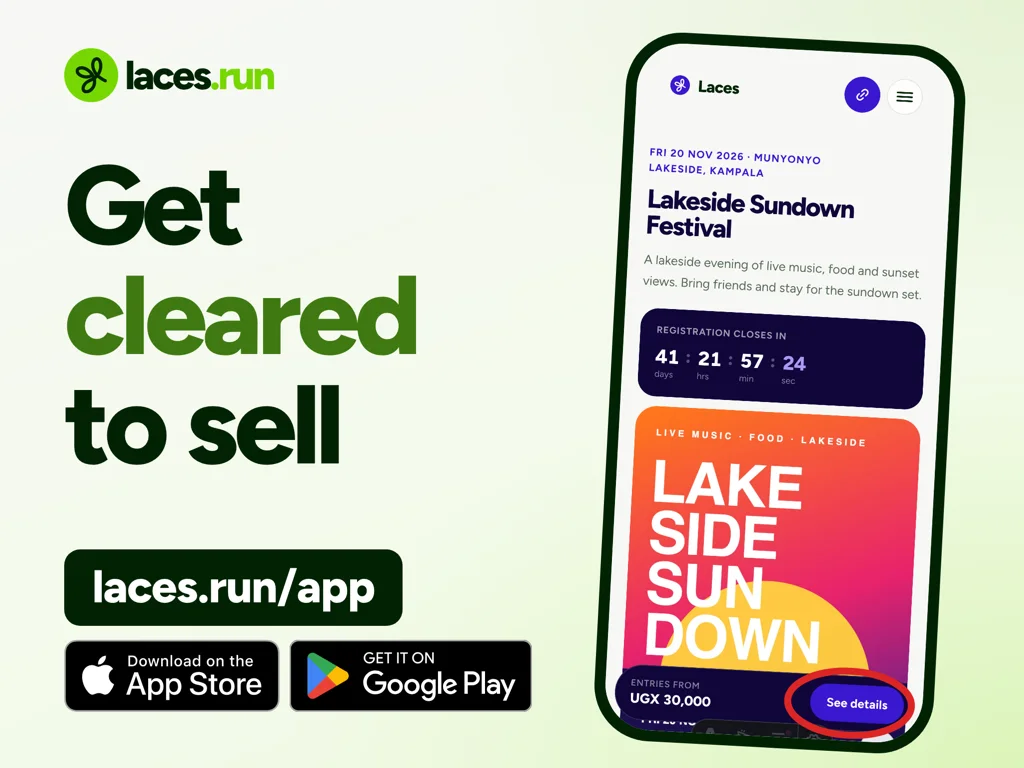
This is the step people skip, and it is the one that stops an event from selling. A new organization cannot take money until Laces clears it. Until then, your page shows everything but people cannot pay.
Apply from the Earnings tab in the app. A person at Laces reviews it, so do it the week you create the event, not the week you start advertising. Expect to be asked for registration details, identification for the people responsible, and proof that you control the payout account. The account should be in the name of the organization selling the tickets. Taking payments and getting paid lists what you need.
Step 4: Buy your own ticket
Before anyone else sees the page, buy a ticket yourself on a real phone, using mobile data. Check that:
- the page opens quickly and the price is easy to find
- the total at checkout is what you expected
- the prompt arrives on your phone
- the email arrives, with a working QR code
You will almost always find something to fix.
Step 5: Share one link, everywhere
Every event gets one short link and one QR code. Use them on everything printed or posted: posters, WhatsApp groups, your Instagram bio and sponsor pages. Then remove any old phone number from your publicity, so nobody sends money the wrong way.
Send it as a link, not read aloud, because the code is case-sensitive. On radio, say your organization’s address instead. A WhatsApp message that works:
Tickets for [event name] on [date] at [venue] are open. Register and pay by MTN MoMo or Airtel Money here: [your link]. No app needed. Your ticket comes by email.
For people who have not paid this way before, add a link to laces.run/how. It walks them through each step, so you get fewer questions.
Step 6: Follow sales and chase unfinished orders
You can watch registrations and sales come in live from the app, and see who has paid and who has not. Not everyone finishes on the first try. A prompt may time out, or a wallet may be short.
Laces keeps those unfinished orders. You can use the Nudge button to chase them, or send a pay link to one person. These are people who wanted to come, so they are worth following up before you spend money on more advertising.
Also have an answer ready for the common questions. If no prompt came, they can dial *165# on MTN or *185# on Airtel. If a page timed out, they should check again, not pay again. Our guide to mobile money payments for events has the full list.
Step 7: Plan your cash from what is available
Ticket sales and money you can withdraw are different numbers:
- MTN MoMo earnings go to your Instant Wallet. You can withdraw them immediately, any day of the week.
- Airtel Money goes to your Standard Wallet and is available the next day.
- Card, if a participant chooses it, goes to that same wallet and is available the next day.
Your first withdrawal per organization is free. After that, a transfer fee applies and is shown before you confirm. See the Uganda pricing page for current figures.
One warning for a tight budget: if you cancel, you are responsible for refunds, even on money you have already withdrawn. Spending ticket money early is a bet that the event goes ahead.
Step 8: Run the door
Every ticket has a QR code. Scan it with the Laces app to confirm it’s paid and check the person in. Invite your team to scan at the door, and have them practise with your test ticket before the day.
Prepare for these situations:
- A forgotten email or dead phone. Have the person give their order code or name, and search for them in the app.
- A cash payment at the door. Laces does not record cash and charges nothing on it. Keep a separate signed list and reconcile it yourself, or have the person register and pay on their own phone from your link or QR code.
- Weak signal at the venue. Each scan needs a data connection. Visit beforehand, test scanning there, and agree on what your team will do if the network drops.
Afterwards, download your orders as CSV, Excel or PDF, and your paid participant list as CSV, and keep the list for next year.
Frequently asked questions
Can I sell tickets from WhatsApp?
Yes. Share your event link in WhatsApp. People tap it, pay in their browser and receive their ticket by email.
Do buyers need to sign up for Laces?
No. They register and pay from the link, with no app and no account.
Do I need a company to sell tickets?
Laces reviews each organization before it can collect payments, and asks for details about who is selling. If you are unsure about your situation, ask before you print anything.
How much does it cost me?
Creating an event is free, and participants pay the service fee at checkout. Withdrawals after your first carry a transfer fee.
Turn your poster into a working ticket page
Create your event, get cleared to collect payments, and share one link. Your participants can pay from their phones.
Read next
 For organizersMobile Money for Events in 2027: How to Collect MTN MoMo, Airtel Money and M-PesaHow to collect event fees by mobile money in 2027: MTN MoMo, Airtel Money and M-Pesa, no screenshots or personal number, and what to do if a payment stalls.5 Nov 2026 · 7 min read
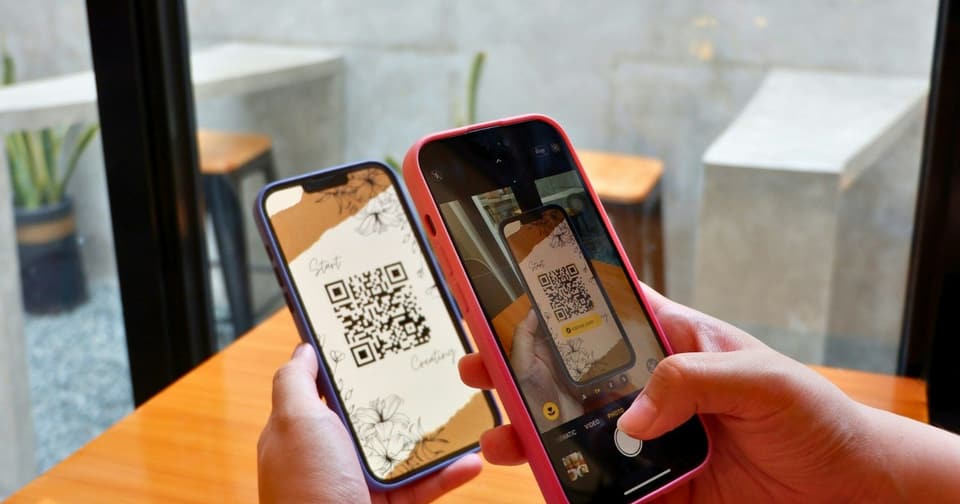 For organizersHow QR Code Event Tickets Work: Creation, Scanning and Check-InHow QR code event tickets are issued and scanned, what each result at the gate means, how repeat scans show up, and how to prepare your check-in team.5 Nov 2026 · 8 min read
 For organizersHow to Sell Event Tickets Online in 2027 Without a WebsiteHow to sell event tickets online in 2027 with no website: a hosted event page, one link to share, a test purchase, and when your own site still makes sense.5 Nov 2026 · 8 min read


